EdgeBloom
A downloadable tool for Windows
Hey there :-)
I built EdgeBloom because I wanted a calmer place for the apps I use every day without replacing or patching the Windows taskbar.
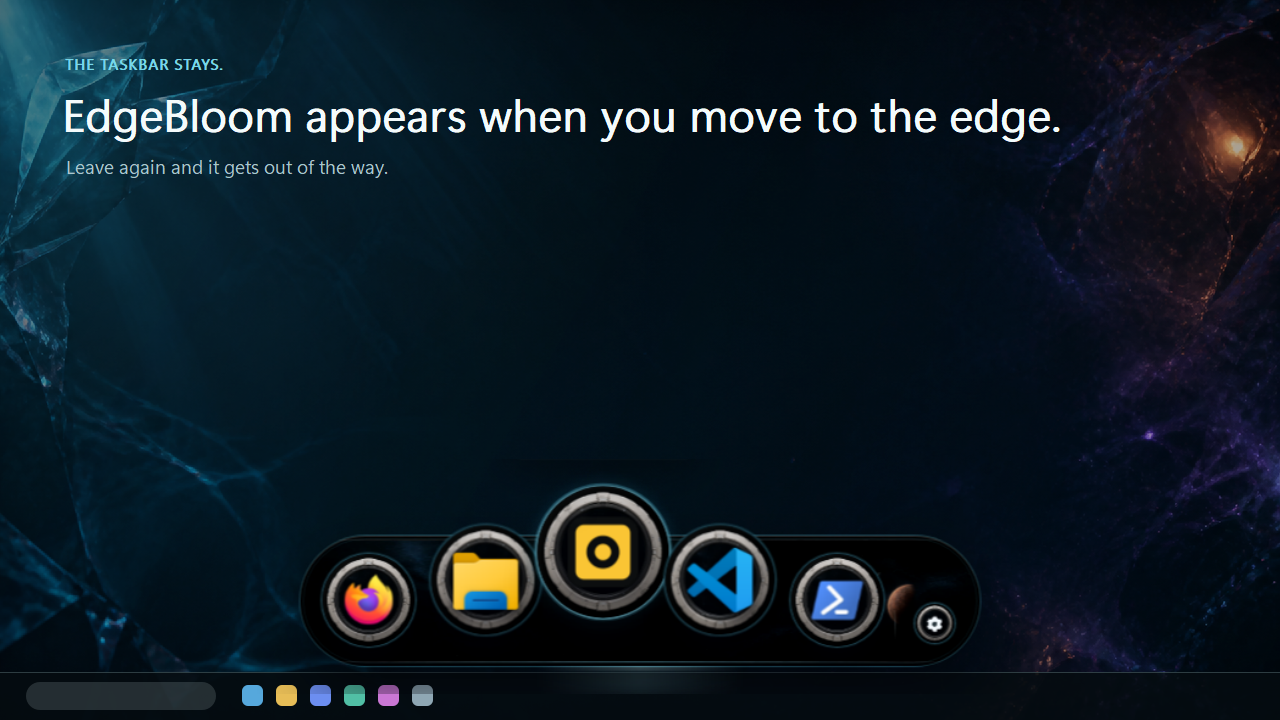
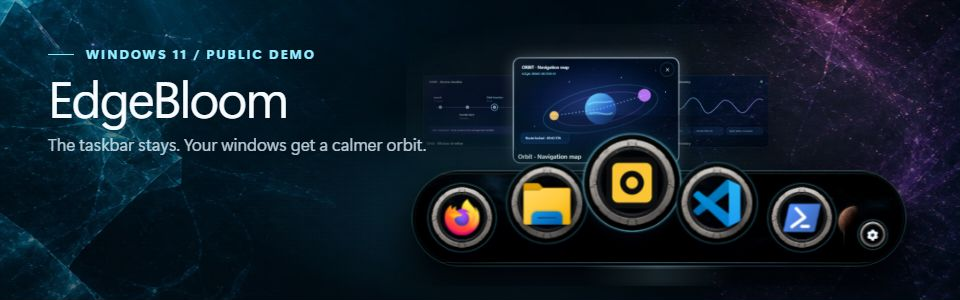
Move to the taskbar and the dock appears. Leave the area and it quietly disappears again. In between are tactile spheres, live material styles and a Window Orbit for seeing what is already open.
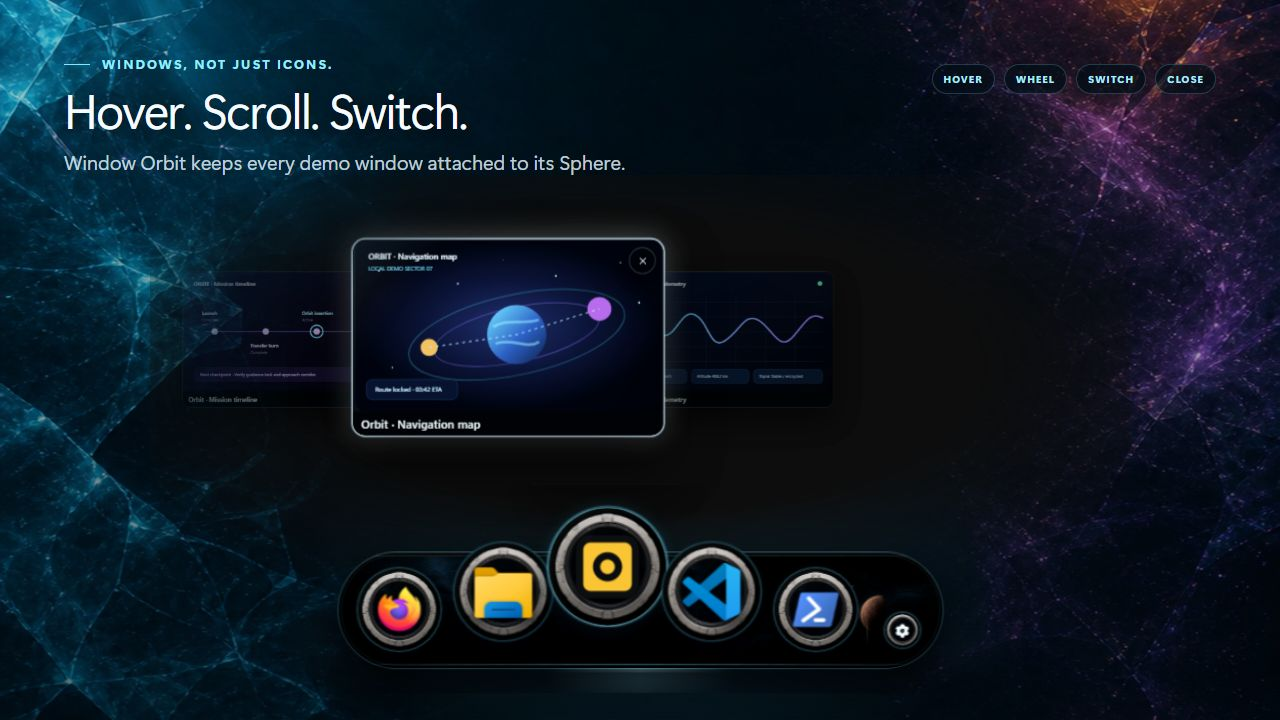
Try the Window Orbit
Hover a running demo app and its window preview appears above the matching sphere. If several windows are open, use the mouse wheel or the neighboring previews to move through them. You can add another dummy window with the small plus button and close individual previews again.
The preview stays anchored to its sphere and the dock remains usable while you move between both layers. That interaction is the heart of this demo.
A safe demo, not a fake screenshot
The free demo contains six fixed sample apps and deterministic dummy windows. It never starts real programs, edits shortcuts or enumerates your actual windows. You can still test the real dock motion, hover magnification, Window Orbit, reordering, Auto-hide, Reduce Motion, live Settings and every included design.
Why all the spheres?
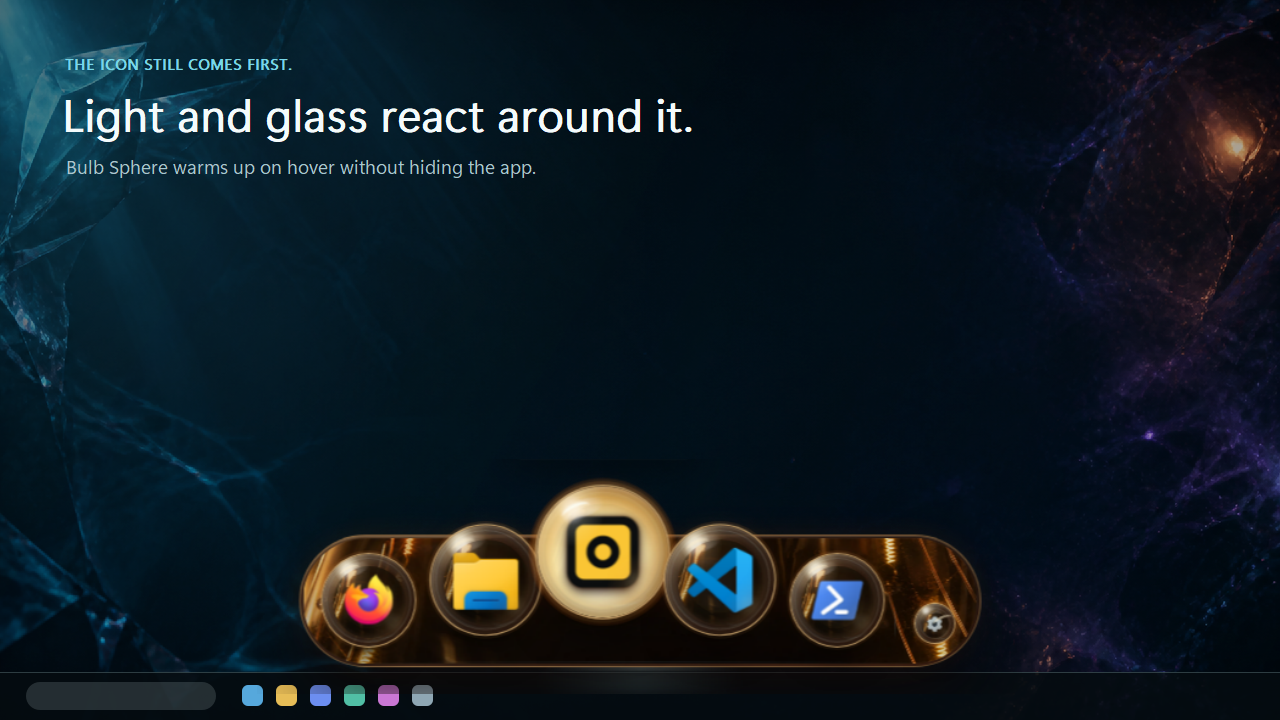
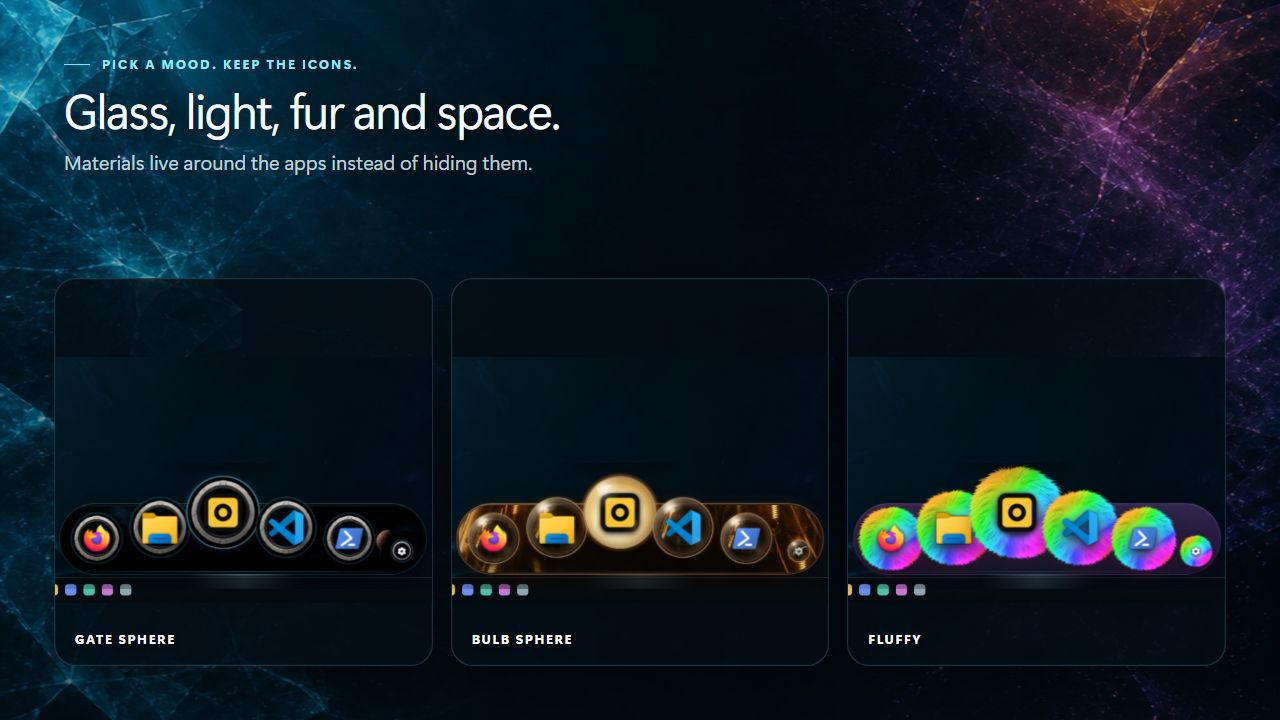
I did not want another flat strip of buttons. EdgeBloom should feel like a small object living at the edge of the desktop. The current demo includes glass, water, light, snow, space, fur and a few deliberately strange ideas.
The icons remain the important part. Materials live behind and around them. If a complete background becomes too much, Disable backgrounds keeps the selected spheres and returns the surrounding rail to the quiet System background.
Where the project is right now
This is a public demo of a Windows 11 project still in development. The paid Founder’s Beta is being rebuilt around the current Window Orbit work and stays private until that build has passed the same release checks.
EdgeBloom Demo 0.9.0-rc.11-demo.1 is an unsigned Windows 11 x64 build. Windows SmartScreen may show an unknown-publisher warning. Code signing is already being prepared, but it is not active in this download yet.
There is no EdgeBloom account, telemetry, cloud sync or advertising. The demo works locally. Its included license, privacy information and third-party notices remain inside the download.
If something feels unclear or not quite smooth yet, feel free to leave a comment. This demo exists to make those details visible before 1.0.
EdgeBloom is an independent Windows utility. It is not affiliated with or endorsed by Apple, Microsoft or itch.io and contains no Apple assets.
Publisher: Softworks Jan Lenhard
Support: info@softworks-lenhard.com
Download
Click download now to get access to the following files: